

My Coach Office - Events with Time slots (Zoom integration)
This guide explains how to schedule a coaching session using My Coach Office. It covers creating the booking, automatically generating a Zoom meeting, and sending invitations with the Zoom link to all attendees.
Nov 28, 2025●
 0
0Frequently Asked Questions
- How do I schedule an event using My Coach Office?
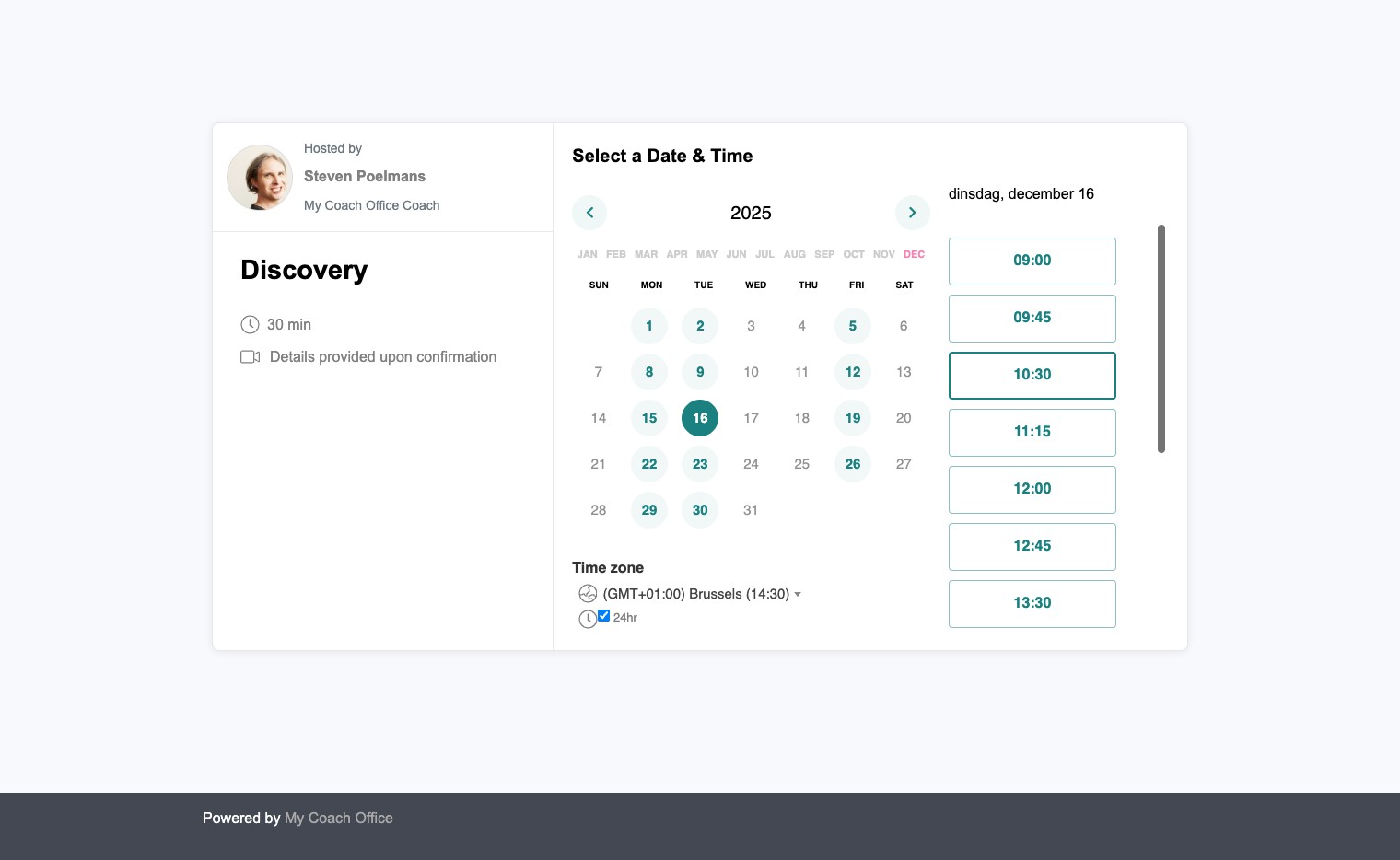
Navigate to your event link, select a date and time slot, click "Next", enter the requested details, then click "Schedule event". A new event is booked.
- Is a Zoom meeting created when I schedule an event?
Yes. After scheduling, a Zoom meeting room is created automatically.
- Will attendees receive the Zoom conference link?
Yes. All recipients receive an email that contains the Zoom conference link once the event is scheduled.